Building AI Agents with Google Cloud: My Journey Through Three Tracks

Introduction
I recently got the chance to work through three different AI agent projects as part of the Google Cloud and Hack2Skill builder program.
The three projects were quite different from each other. I built a Coffee Barista AI Agent, a Gemma 4 Data Agent for working with business data, and a Coffee Manager Agent focused on automating daily operations.
What I liked about these projects was that I wasn't just building something and running it on my laptop. I also had to deploy the applications on Google Cloud and get them running through Cloud Run.
That gave me a much better idea of what happens after the code is written. There were deployments to deal with, cloud services to understand, and a few things that didn't work perfectly on the first try.
In this post, I'll go through the three projects, what I learned from each one, and some of the things I ran into while building and deploying them.
Track 1: Coffee Barista AI Agent
The first track was focused on building a customer-facing AI agent for a coffee shop.
The idea was pretty simple: create an AI barista that could interact with customers and help them with things like choosing coffee and answering questions about the menu.
I started by working through the agent setup and then tested the application to make sure the conversation flow was working as expected.
Once the application was ready, I deployed it on Google Cloud Run. This was my first time in this program taking an AI application from the development stage to an actual public deployment.
The interesting part for me was seeing the same application running through a public Cloud Run URL instead of only running locally.
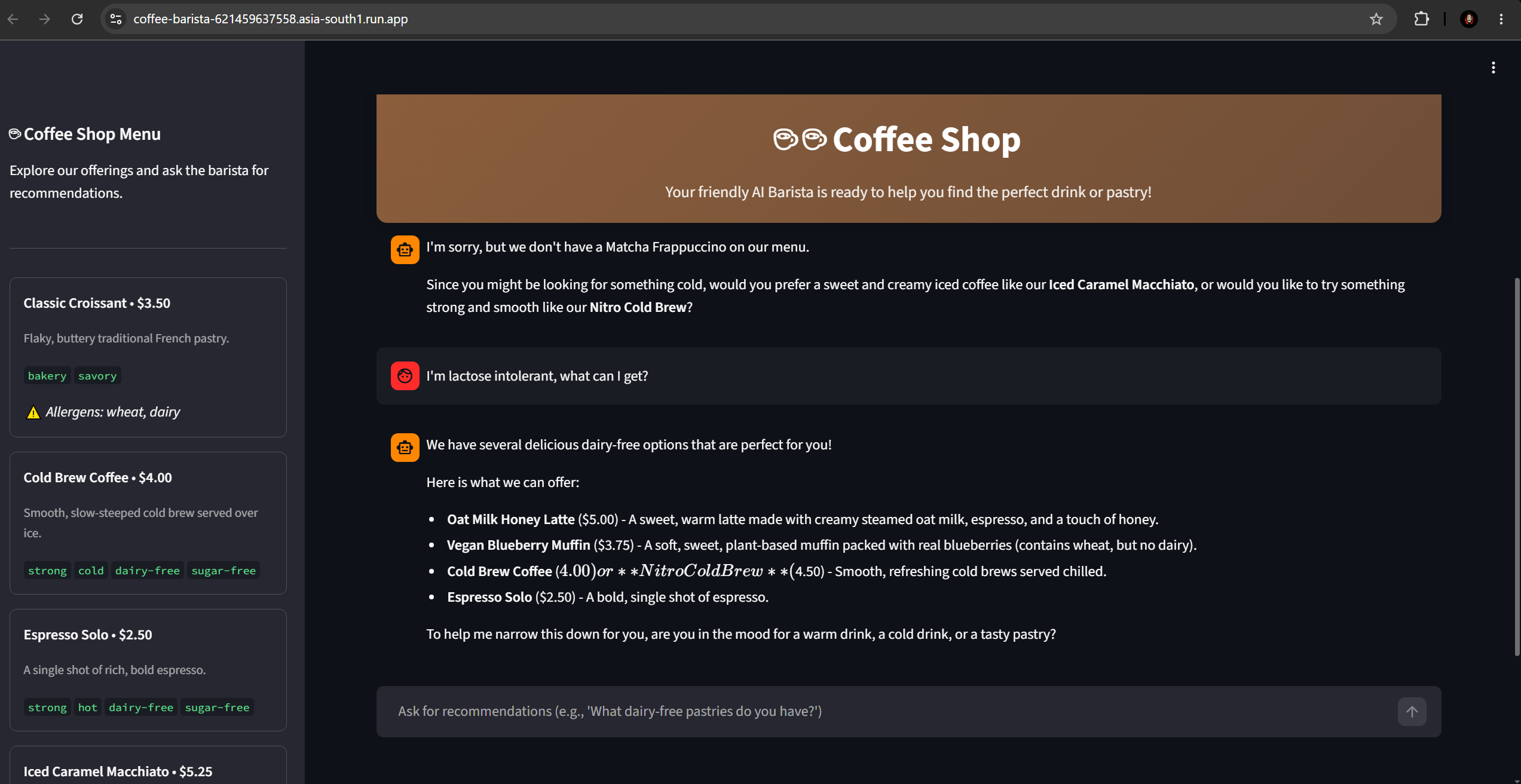
Cloud Run deployment: Coffee Barista Cloud Run
This track gave me a good starting point for the rest of the program. I got more comfortable with the basic workflow of building an AI agent, testing it, and then deploying it on Google Cloud.
Track 2: Gemma 4 Data Agent
The second track was quite different from the first one. Instead of building a customer facing assistant, the focus here was on using an AI agent to work with business data and turn it into useful insights.
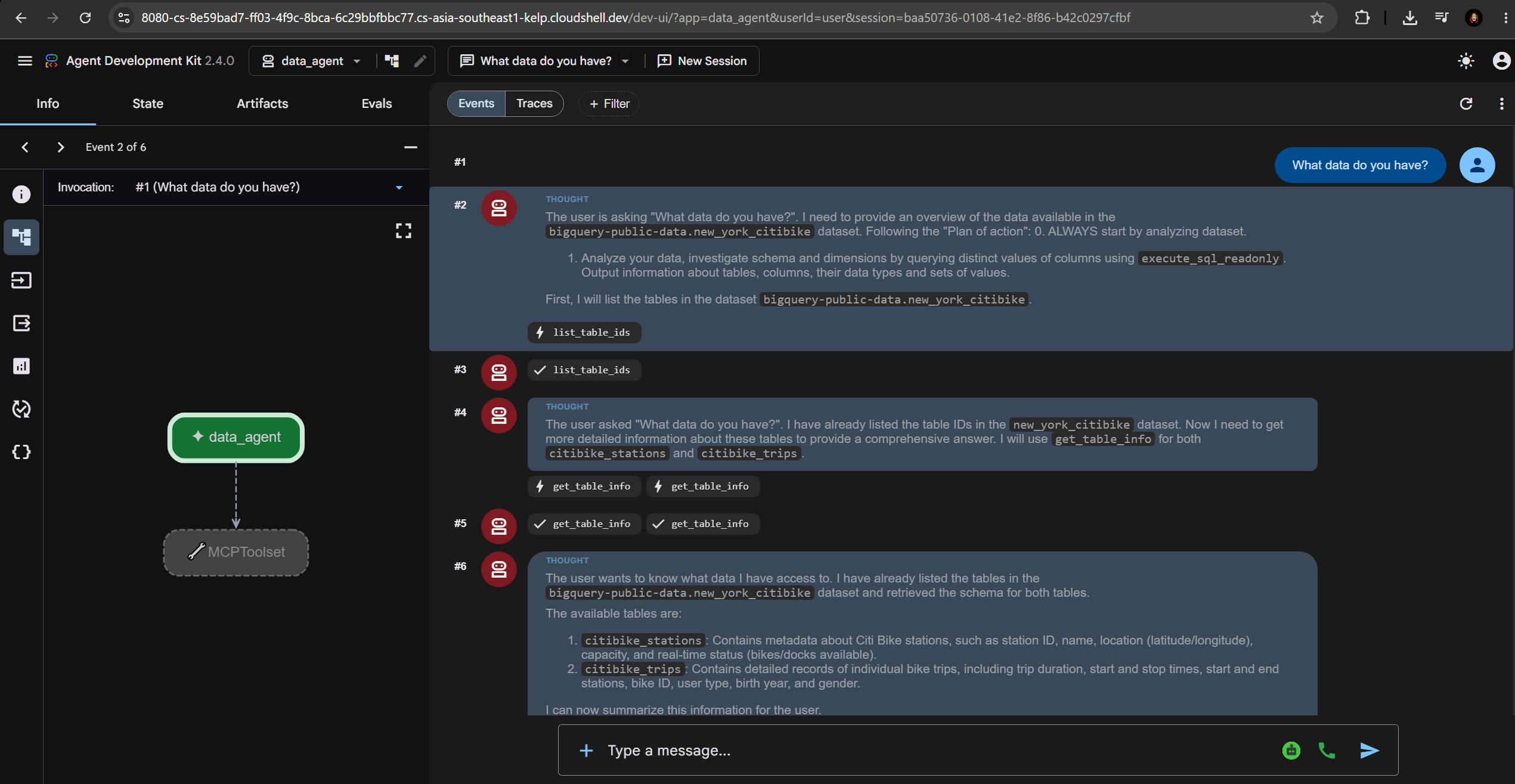
For this project, I worked with a Gemma 4 based data agent that could interact with a dataset and answer questions using the available data.
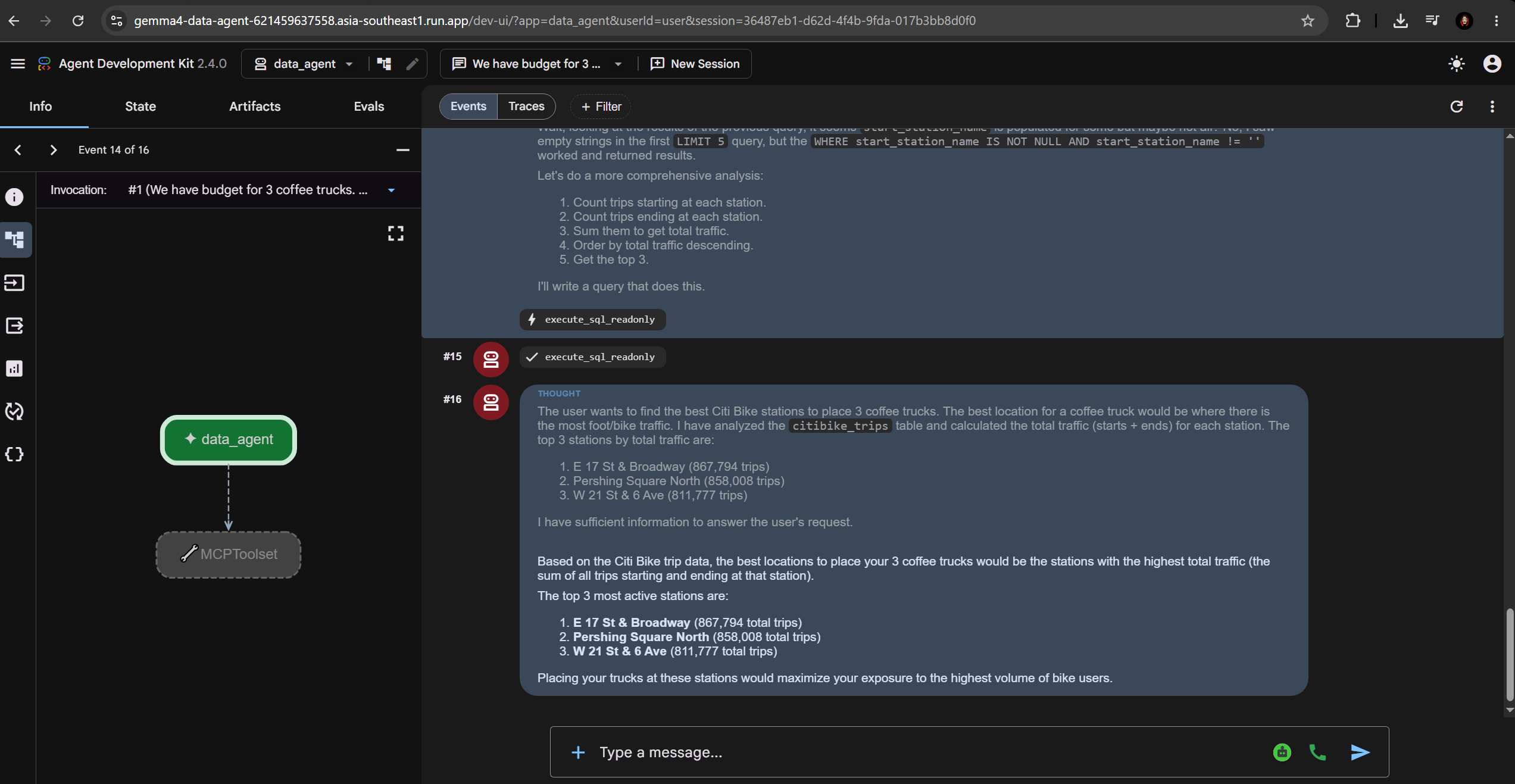
One part I found interesting was seeing the agent work with the data to answer business related questions. I tested it with questions around New York City bike trip data, including finding locations that could be good options for placing coffee trucks based on bike traffic.
The agent was able to work through the available data and return the stations with the highest traffic along with the reasoning behind the recommendations. This made the project feel more practical than simply asking an AI model a general question.
I also deployed the data agent on Google Cloud Run. The deployment evidence shows the gemma4-data-agent Cloud Run service and its public service URL.
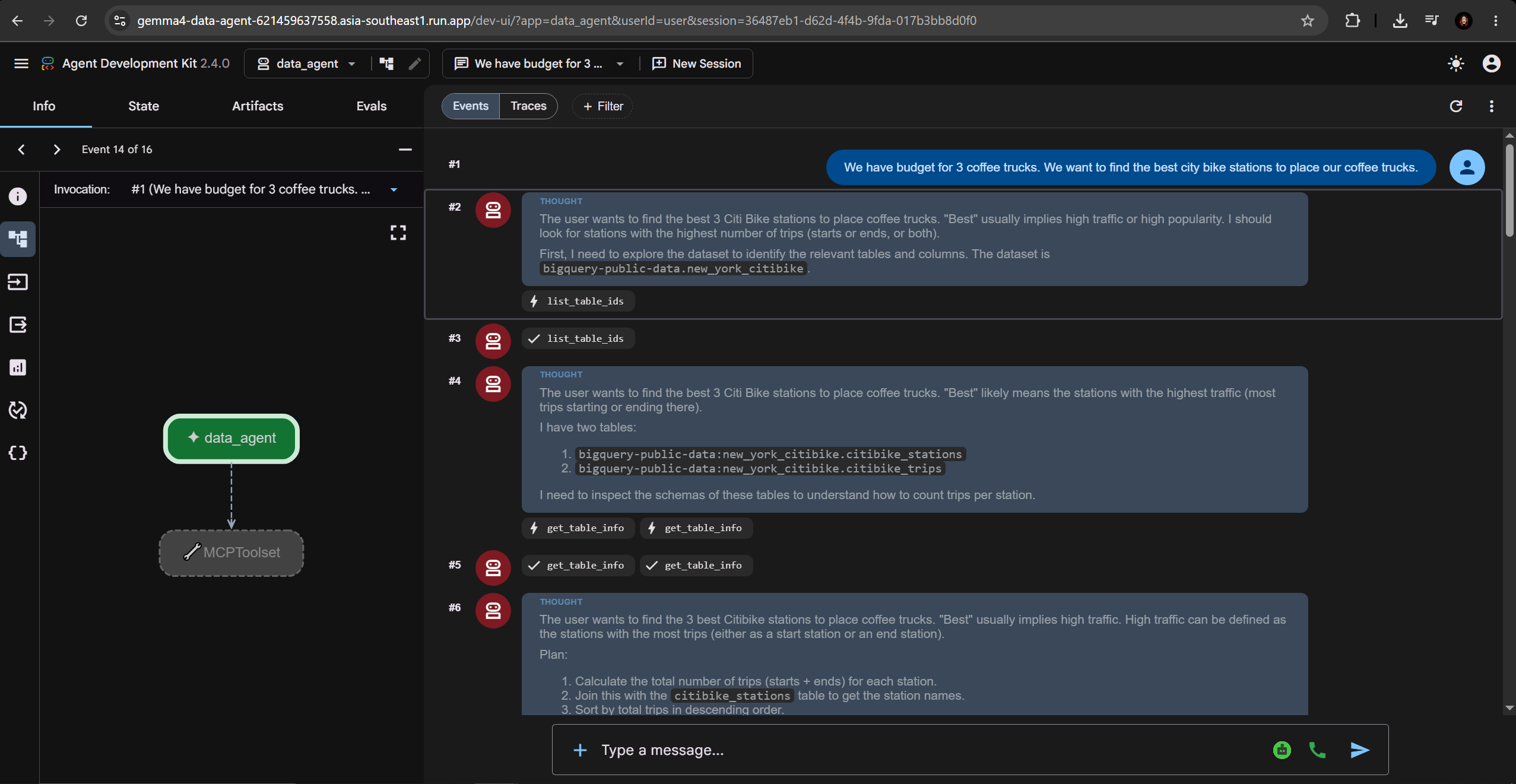
Cloud Run deployment: Gemma 4 Data Agent
This track helped me understand how an AI agent can work with structured data and turn a natural language question into something that can actually help with a business decision.
Track 3: Coffee Manager Productivity Agent
The third track was focused on building a productivity agent for managing the day to day operations of a coffee shop.
This project was different from the first two because the focus was more on the internal side of the business. Instead of helping customers directly or working mainly with a dataset, the goal was to build an application that could help a coffee shop manager keep track of different parts of the business.
The application included areas such as orders, inventory, employees, reports, and settings. It also provided an overview of the shop's daily activity, including information such as today's orders, revenue, and inventory status.
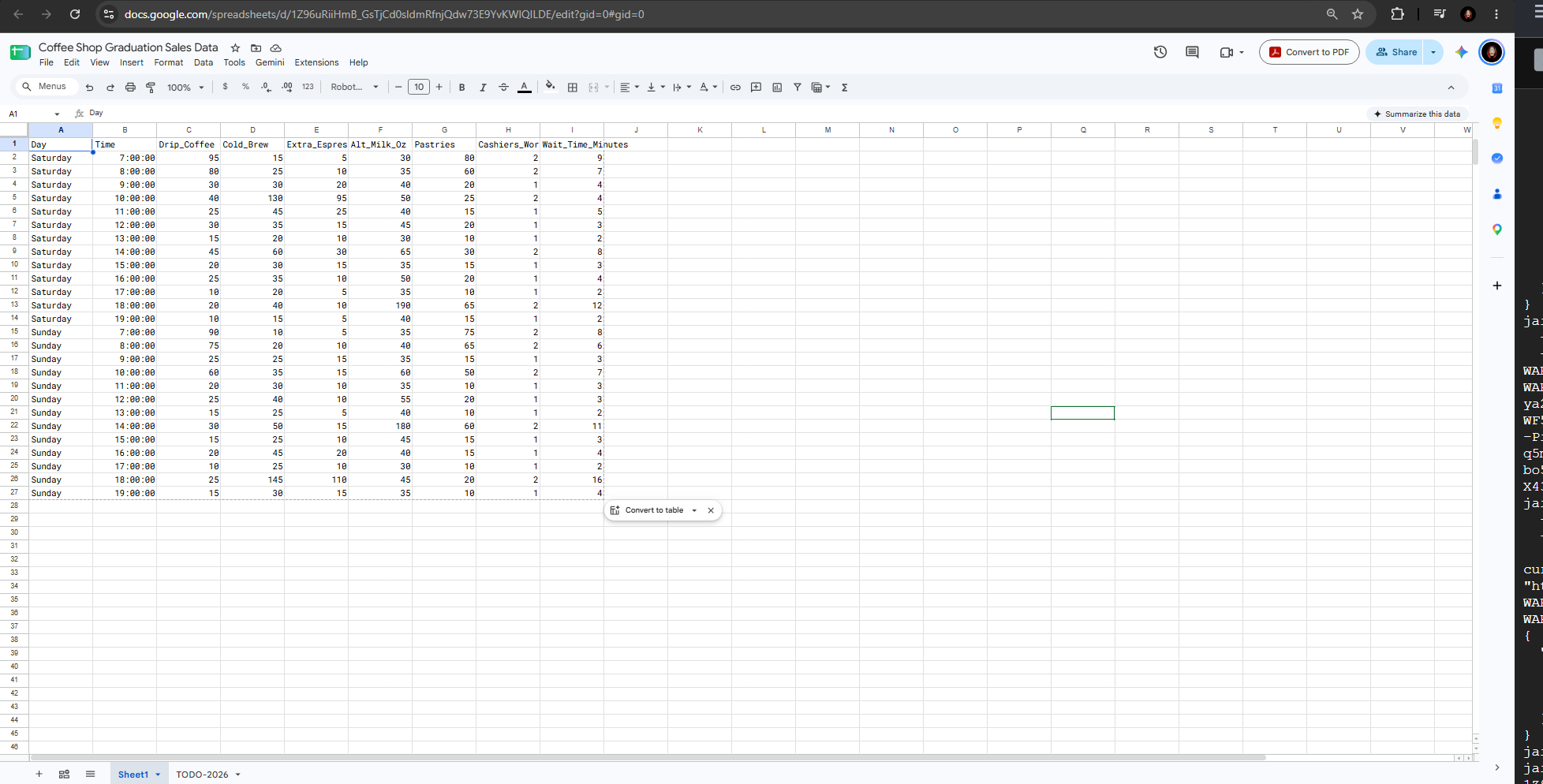
One part I found interesting was seeing how an AI agent could be used together with a normal business dashboard. The AI could help make the application more useful for everyday tasks instead of keeping the experience limited to a simple chat interface.
I tested the application with different coffee shop related tasks and checked how the agent handled the information available in the application.
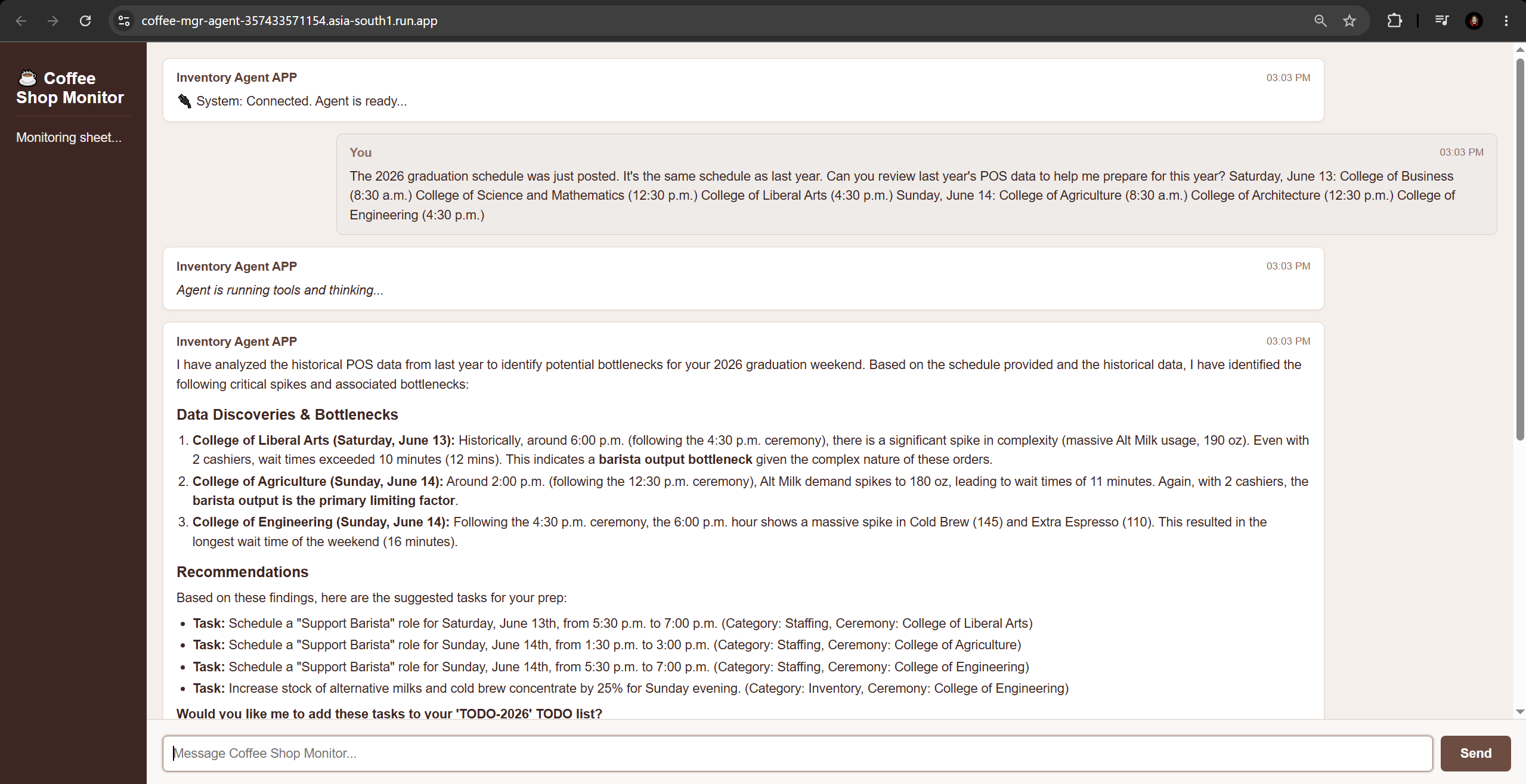
After completing the application, I deployed it on Google Cloud Run. This also gave me more experience with taking an application from the development environment and making it accessible through a deployed Cloud Run service.

Cloud Run deployment: Coffee Manager Agent
This track gave me a better understanding of how AI agents can be combined with business applications to support everyday operations and make information easier to work with.
What I Learned
Working through these three tracks taught me that building an AI application is more than just getting a model to respond to a prompt.
Each project used AI in a different way. The Coffee Barista agent was focused on interacting with customers, the Gemma 4 Data Agent worked with structured data, and the Coffee Manager agent focused more on daily business operations.
I also got more comfortable with Google Cloud and Cloud Run. Deploying the applications made me think about things that don't come up as much when everything is running locally. I had to understand how the different services fit together, how deployments work, and how to check whether the application was actually available after deployment.
The biggest thing I took away is that AI becomes much more useful when it is connected to the right data, tools, and application around it.
What Challenged Me
The biggest challenge for me was getting used to the cloud side of things.
When you're working locally, it is easy to focus mostly on whether your code works. Once you deploy an application, there are more things to think about. I had to understand how the different Google Cloud services fit together and troubleshoot things when they didn't work exactly as expected.
Testing the agents was also important. It wasn't enough for the application to run. I had to try different questions and scenarios and see whether the agents were actually giving useful results.
Those small issues were some of the most useful parts of the experience because they gave me a better idea of what working with a deployed application is really like.
What I Want to Build Next
After completing these tracks, I want to move from following guided projects to building more of my own AI applications.
I want to experiment more with AI agents that can use tools, work with real data, and perform useful tasks instead of only answering questions.
I'm also interested in getting better at the deployment side of things. Building something locally is one step, but making it accessible and reliable is a completely different part of the process that I want to get more comfortable with.
Final Thoughts
Overall, these three tracks gave me a good introduction to building and deploying AI agents with Google Cloud.
The projects were different enough that I got to see several ways AI can be used, from customer interactions to data analysis and business operations.
There is still a lot more I want to learn, but this experience gave me a solid starting point and made me want to build more of my own projects.
I'm looking forward to taking what I learned here and applying it to projects of my own.
Comments
Join the discussionNo comments yet. Be the first to comment.